

How it works
Transform your favorite digital brick builds into print-ready 3D models in minutes. Discover how Brickprint3d automates part matching, scaling, and build plate arrangement without the hours of manual file prep.
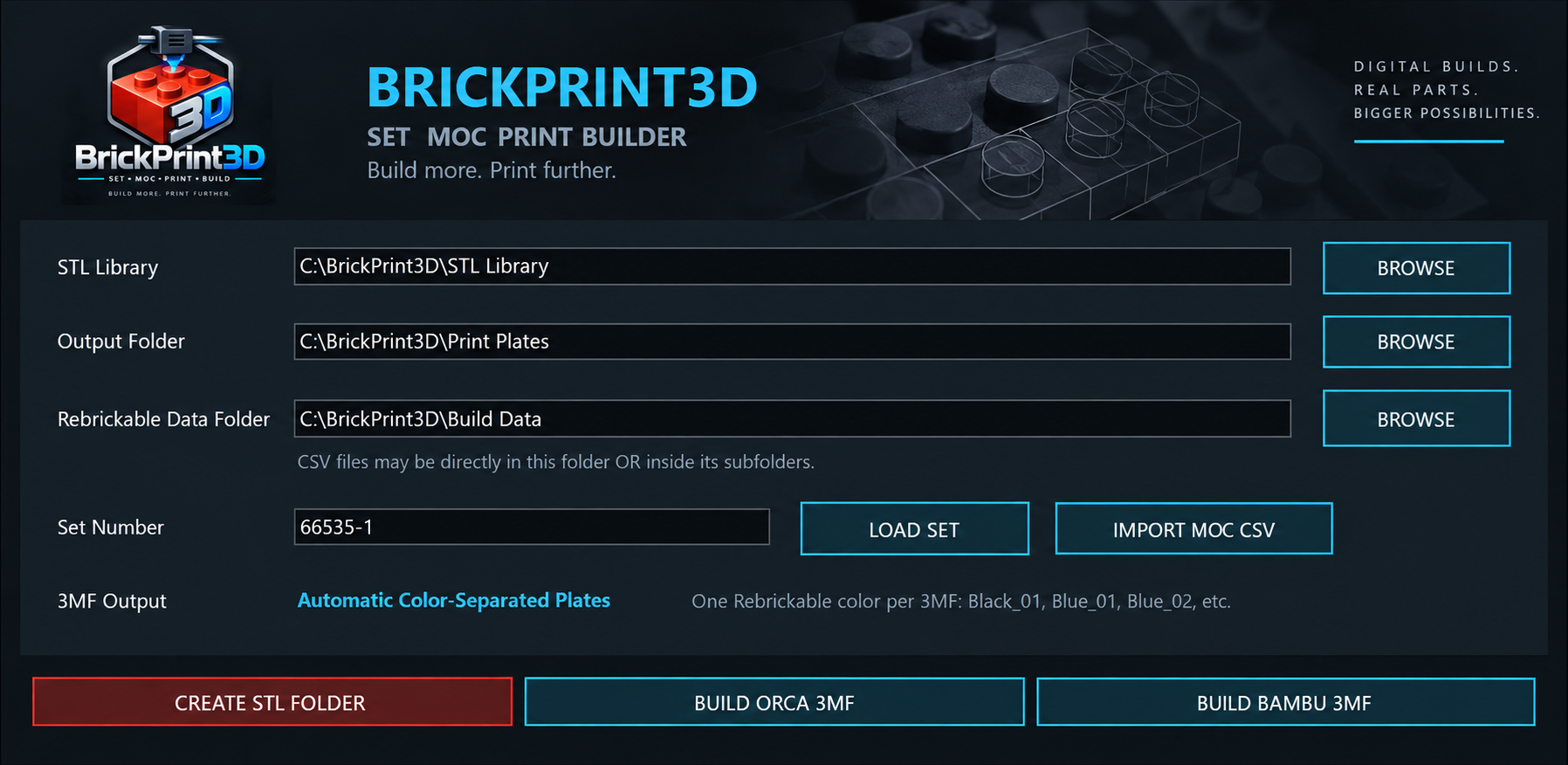
1. Import your digital build
Start by loading your supported digital brick build file or Rebrickable inventory data straight into Brickprint3d. The software reads your build data and identifies the parts needed for your project, identifying every piece needed to bring your custom MOC or brick set to life.
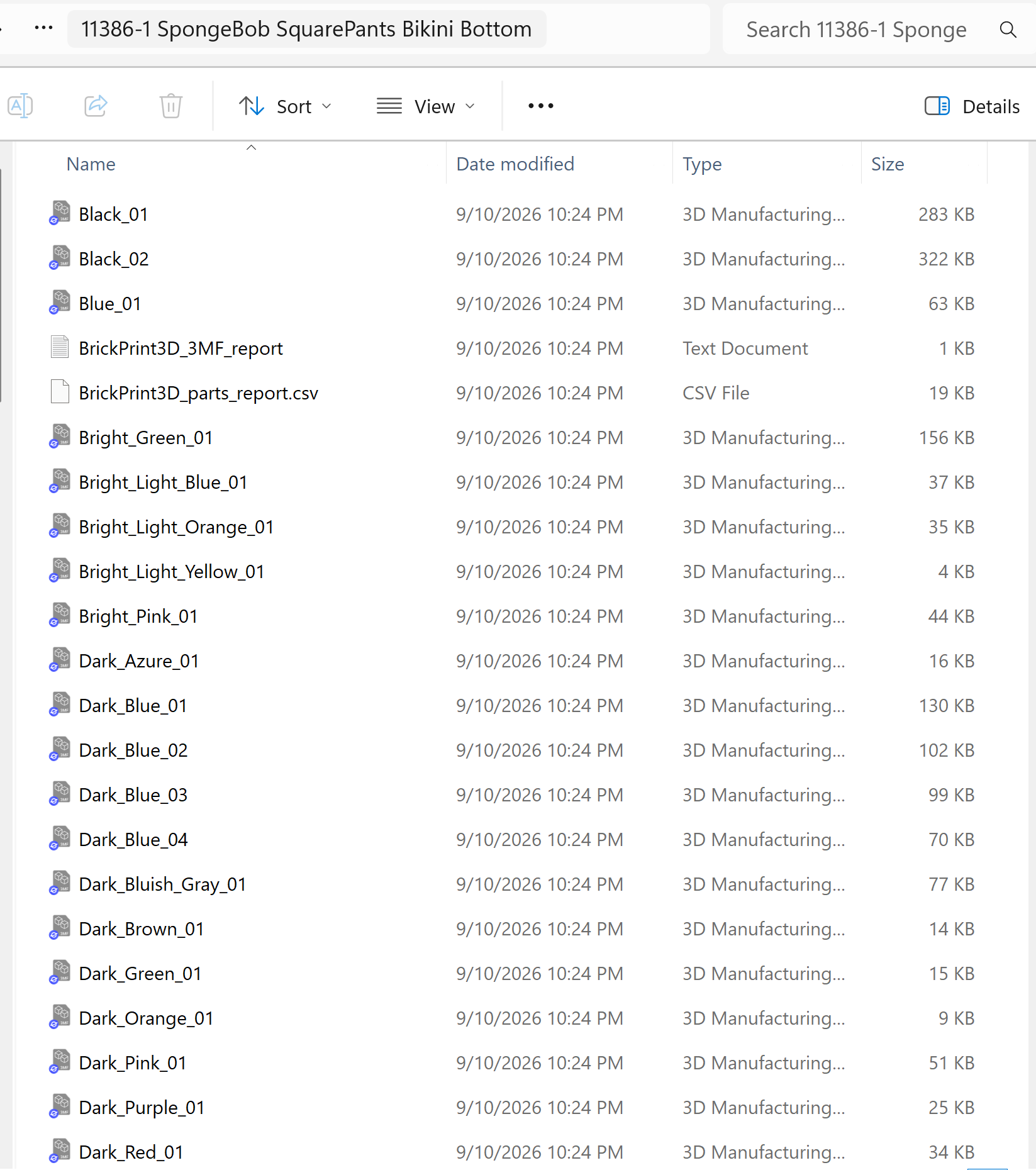
2. Automated matching and plate generation
Skip the tedious task of searching for individual files. Brickprint3d instantly matches parts against your STL library, checks required quantities and colors, and flags any missing pieces by part number. It automatically sizes, packs, and exports color-separated 3MF plates along with an easy-to-follow color plate guide.
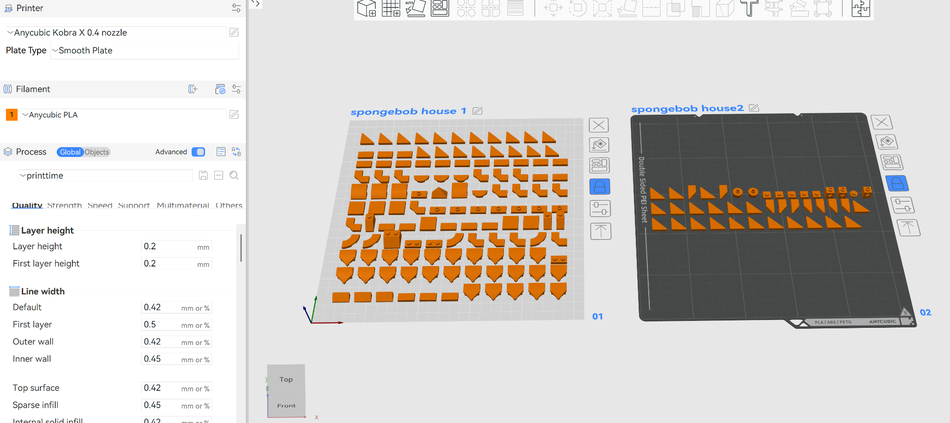
3. Slice and start printing
Open your generated 3MF files directly in your favorite slicer software, whether you use Bambu Studio, PrusaSlicer, or Cura. Inspect the layout, pick your usual material and printer settings, and hit print. What used to take days of manual preparation work is now complete in just a few clicks.
Create Your Own Website With Webador