

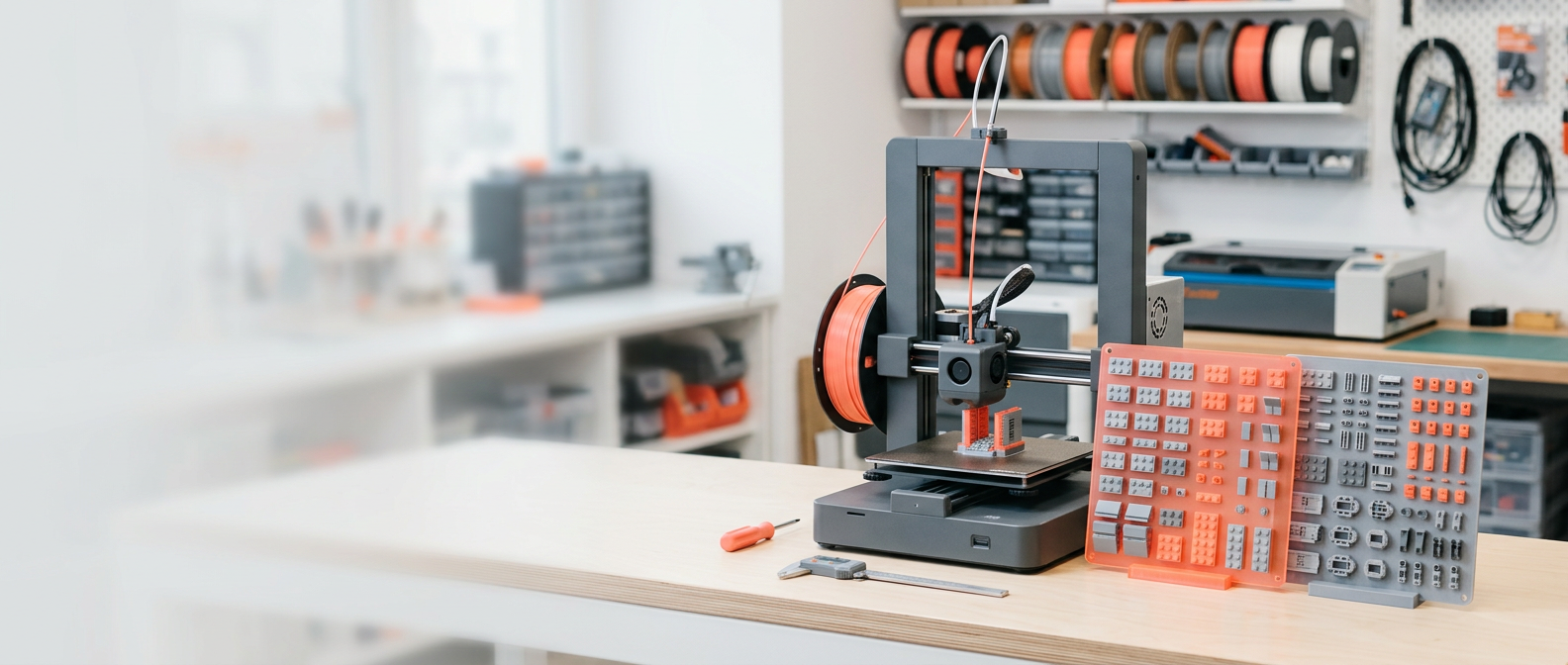
Turn your digital brick builds into printable reality
Brickprint3d makes 3D printing custom brick models effortless. Automatically match parts, scale pieces, organize print-ready 3MF plates, and streamline your entire build workflow.
Core software features
Explore how Brickprint3d bridges the gap between digital brick design and physical 3D manufacturing. Our software handles the intricate setup work so you can start printing your custom MOCs right away.

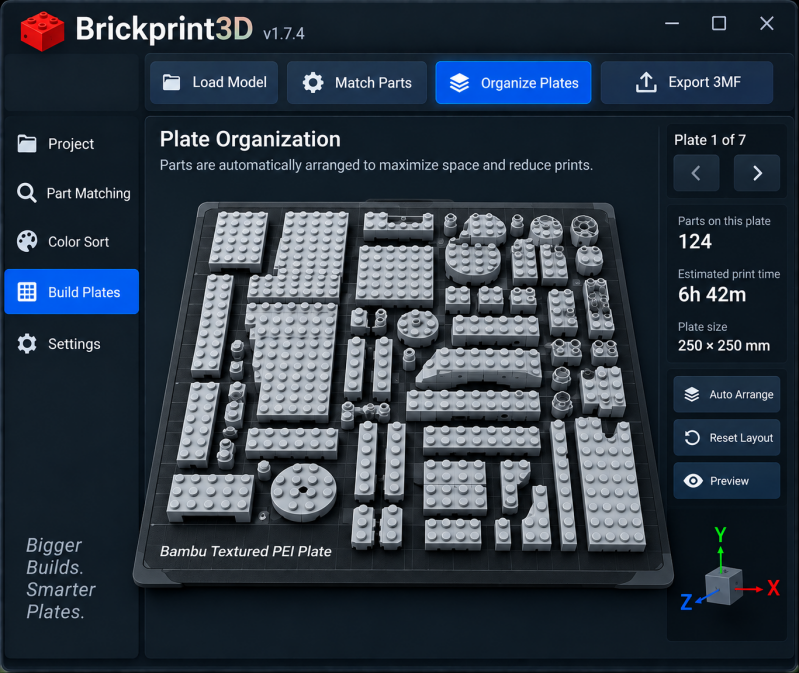
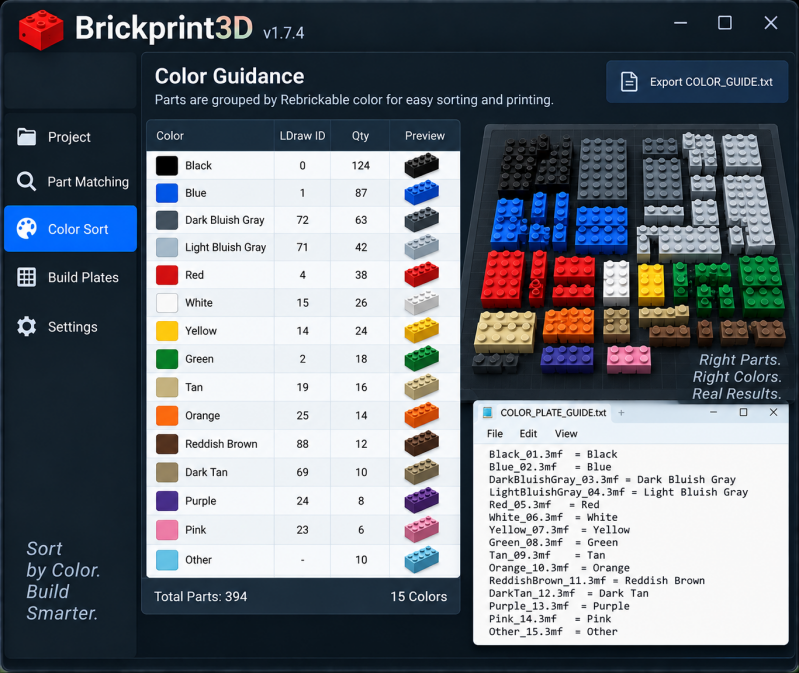

Print-ready 3MF export in seconds
Stop wasting hours manually orienting and slicing individual bricks. Brickprint3d sorts and packs every component onto optimized build plates ready for your slicing software.
"BrickPrint3D transforms how you build custom MOCs. Generating organized 3MF plates from your digital models—something that used to take days—now takes just minutes."
Contact
brickprint3dsupport@gmail.com
Opening Hours
Mon - Fri: 9am - 5pm
Saturday: 10am - 3pm
Sunday: Closed
Contact
brickprint3dsupport@gmail.com
Socials
Common questions about Brickprint3d
Find answers about compatibility, 3MF exports, printing, and your lifetime BrickPrint3D license
Create Your Own Website With Webador